Queen's Domain Steam Deck: Verified Status and What to Change
Queen's Domain is Steam Deck Verified. What that means, how the controller layout maps, and the settings to try for a stable handheld run.
The badge means the default profile is playable end to end. Adjust the resolution and shadows before you judge the frame rate.
Queen's Domain was confirmed Steam Deck Verified on October 29, 2026, one day before launch — the same date covered in our release date guide. That is a stronger result than "Playable": Valve's verified badge means the default controller configuration, text legibility and performance are all considered acceptable without manual tinkering.
It does not mean a locked 60 fps. This page covers what the badge actually promises, how the controls map, and the settings worth trying if you want a quieter fan and a steadier frame time.
What Verified means here
Valve's Verified criteria:
- Full controller support with no need for the on-screen keyboard.
- Legible text at the default resolution.
- Stable performance at the default settings.
- No compatibility warnings or anti-cheat issues.
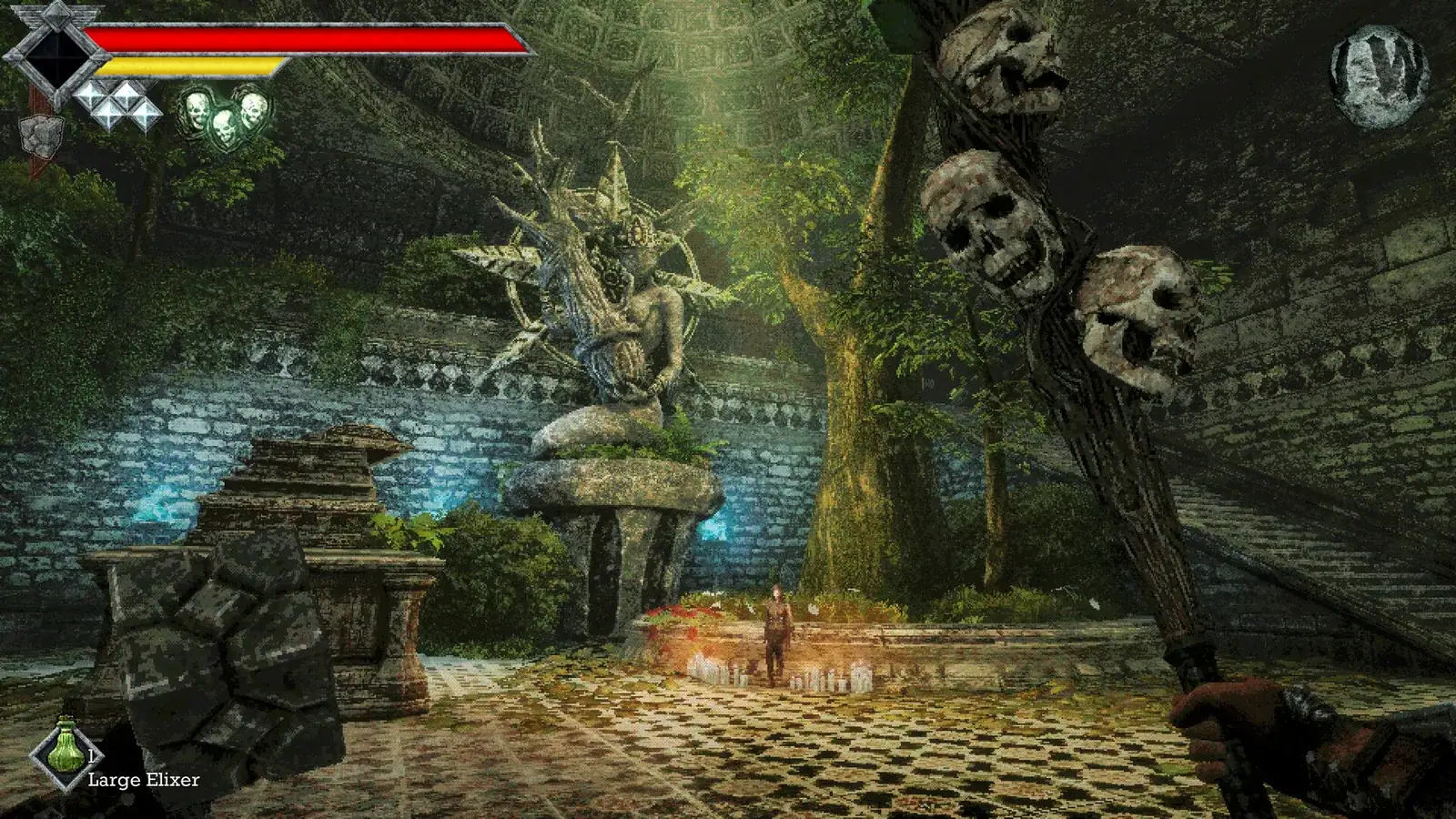
For Queen's Domain, the important part is the first one. The game is built around a controller-first layout: two hands, two weapons, a dedicated throw and the Holy Sword on a shoulder. That maps cleanly to the Deck.
The control layout
The Steam page confirms full controller support, DualShock and DualSense support, and Steam Cloud. The practical mapping on a Deck:
| Action | Deck control |
|---|---|
| Move | Left stick |
| Look | Right stick / trackpad |
| Light attack | Right trigger |
| Charged attack | Hold right trigger |
| Weapon special | Face button (weapon-dependent) |
| Throw | Left trigger or bumper |
| Holy Sword glide | Shoulder button |
| Jump | Face button |
| Sprint | Left stick click or hold |
| Interact | Face button |
The exact defaults are the game's, not ours. If a face button feels wrong, remap it in Steam Input rather than fighting the layout. The Holy Sword guide covers the shoulder-button glide in more detail.
Settings to try
The game does not publish a Deck preset, and we have not measured frame rates. These are conservative starting points, not promises:
- Cap the frame rate at 40 Hz. A stable 40 feels better than a fluctuating 50–60 in a first-person game with heavy camera movement.
- Start at the default graphics preset. Verified means the default is acceptable; drop shadows and draw distance first if the fan becomes distracting.
- Set TDP to 9–10 W. The game is not a ray-traced showcase. Lower power means longer battery and a quieter fan.
- Enable FSR only if the UI stays sharp. The HUD text is small; upscaling can smear it.
- Keep the brightness above the game's new floor. The 1.0.3 hotfix raised the minimum brightness; do not undo it with a dark room and a low backlight.
If the game offers a 30 fps cap, try it for boss fights. The combat is timing-based, and a consistent 30 is easier to read than a stuttering 45.
Battery and heat
No official battery estimate has been published, and we have not run a measured test. Treat any "X hours on Deck" claim you see on launch day as an estimate. The game's low-poly art and small install size suggest it is not power-hungry, but the island's open sightlines can load the GPU more than the art style implies.
The practical approach: cap at 40, set TDP to 9 W, and see whether the fan is audible in a quiet room. If it is, drop to 30 and lower shadows.
Controls that matter more on a handheld
- The Holy Sword glide is a shoulder-button hold. On a Deck, that is comfortable; on a desktop mouse-and-keyboard layout, it is the binding most likely to feel odd.
- Throwing is a separate input from melee. Do not map it to the same trigger as attack; you will throw when you mean to swing.
- Sprint drains stamina. On a handheld, the temptation to hold sprint constantly is higher because the screen is small. Resist it; the combat guide's stamina rule applies double.
- The compass is small on a 7-inch screen. Use landmarks, not the dial.
Is the Deck the right way to play?
It is a good fit if you already like handheld dungeon crawlers. The game's slow pace suits short sessions, and the monument save system means you can stop after a rest without losing progress.
It is a worse fit if you rely on precise camera control for combat. The trackpad helps, but a mouse gives you cleaner turns. The combat guide explains why camera control matters: the dash attack goes toward the crosshair, so a sloppy turn is a wasted commitment.
What we do not know yet
- Actual frame-rate numbers on each preset.
- Battery life under a measured load.
- Whether the Switch 2 version runs better or worse than the Deck.
We will update this page when measured data exists. Until then, the Verified badge is the only official performance claim.
Sources
Official source: Queen's Domain on Steam — official store page with the feature list, PC requirements and launch details.
- Queen's Domain is a King's Field-like retro-fantasy RPG — DSOGaming — announcement coverage and platform details.
- Queen's Domain free demo — RPG Site — demo availability and what the opening build includes.
FAQ
Is Queen's Domain Steam Deck Verified? Yes, confirmed October 29, 2026.
Does it run at 60 fps on Deck? Not confirmed. Verified does not guarantee 60 fps.
Does it support cloud saves? Yes, Steam Cloud is listed on the store page.
Can I use a DualSense controller? Yes. DualShock and DualSense support are both listed.
Is the demo Verified too? The badge applies to the full game. The demo uses the same build and controls.
More Queen's Domain Guides
Every verified Queen's Domain demo secret: the dagger-slot tombstone, the hidden meal, the secret shop, Wourha's archive key and five achievements.
A complete Queen's Domain demo walkthrough: the shore route, the library detour, the burial-area puzzle and the skeleton boss, plus every demo achievement.
The Queen's Domain FAQ: release date, platforms, price, game length, co-op, demo saves, respec, endings, map, Steam Deck and the Souls comparison.
Queen's Domain food explained: which meals raise stats, which items only heal, where the Roasted Ojum Lizard fits and when to eat before a boss.
How the Holy Sword Endu works in Queen's Domain: the shoulder-button flight, how upgrades extend distance, and how to read a gap before you jump.
A practical Queen's Domain map: the confirmed regions of the Isle of Neasied, how they connect, one-way drops and navigating without a map screen.
Queen's Domain is out now, October 30, 2026, on PC, PS5, Xbox Series and Switch 2. Price, launch discount, length, demo and Steam Deck status.
A roundup of Queen's Domain reviews and previews: the 9/10 Wand Report verdict, RPS on its King's Field lineage, and the criticisms worth knowing.